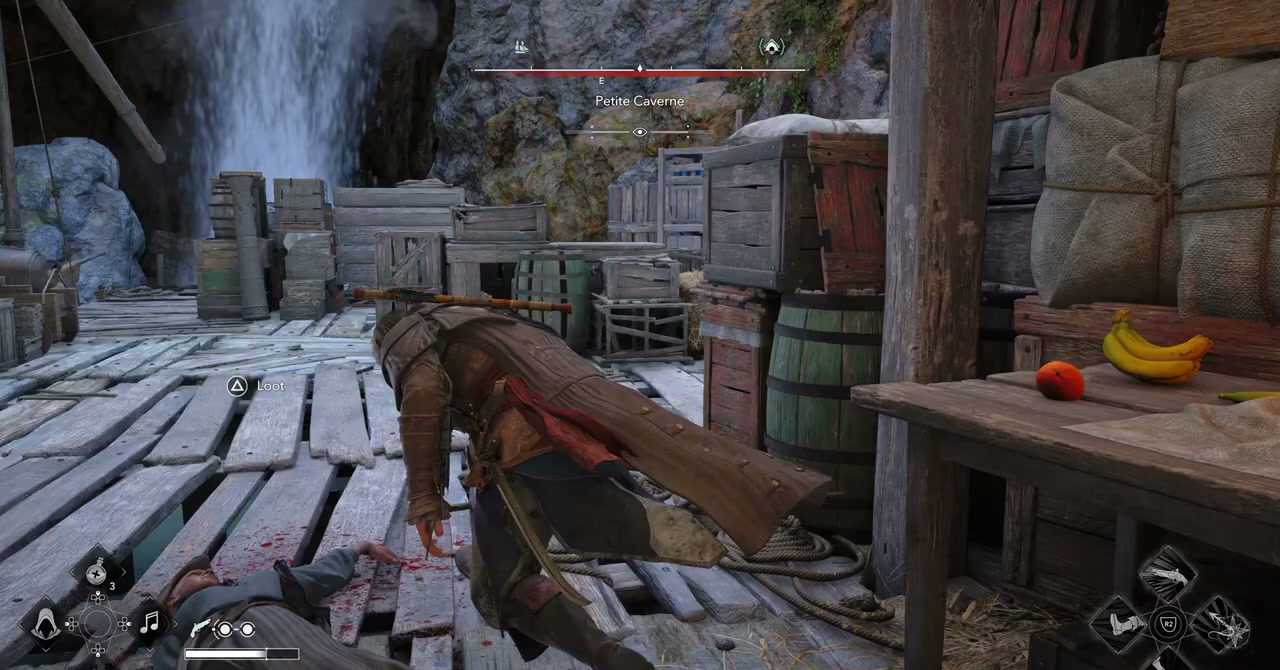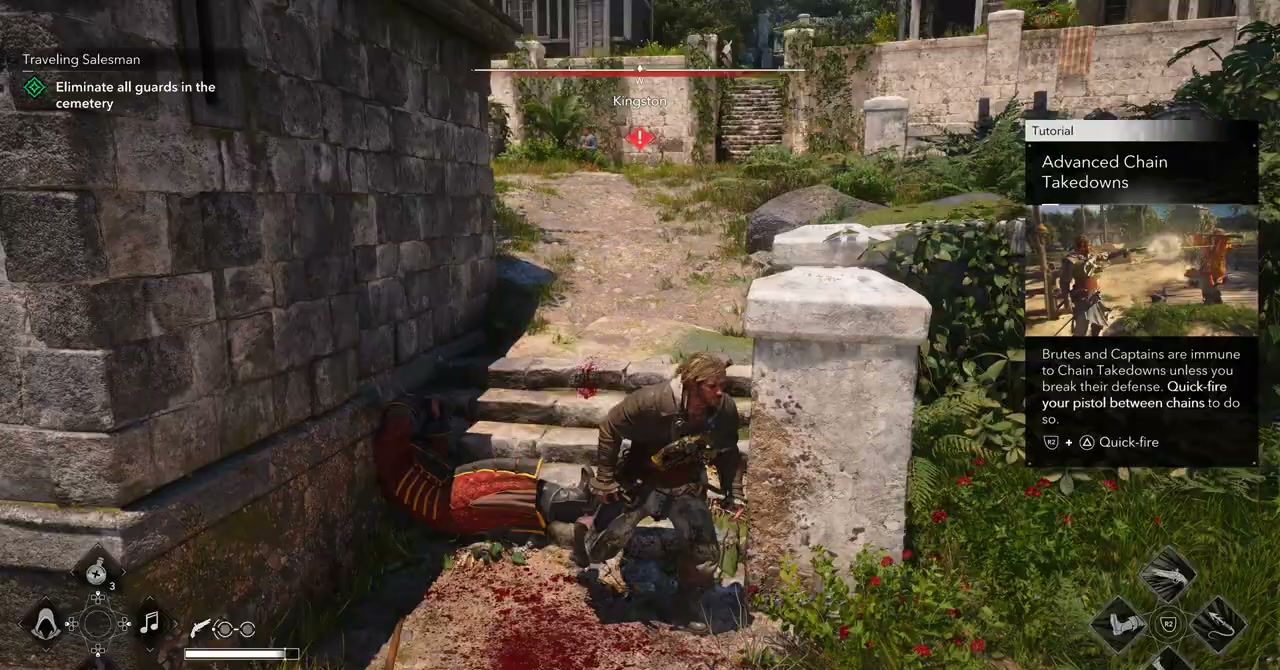
Black Flag Resynced runs on a new Anvil engine build with full ray tracing support. It's significantly more demanding than the 2013 original. Here's how to get the best performance.
Official Recommended Specs
Ubisoft's specs target 1080p/60fps High:
- CPU: Intel i7-9700K / AMD Ryzen 7 3700X
- GPU: RTX 3070 / RX 6800 XT (8GB VRAM minimum for 1080p High)
- RAM: 16GB (32GB recommended with RT enabled)
- Storage: SSD required (~65GB install)
Key Settings to Adjust
Ray Tracing (Water / Reflections / GI)
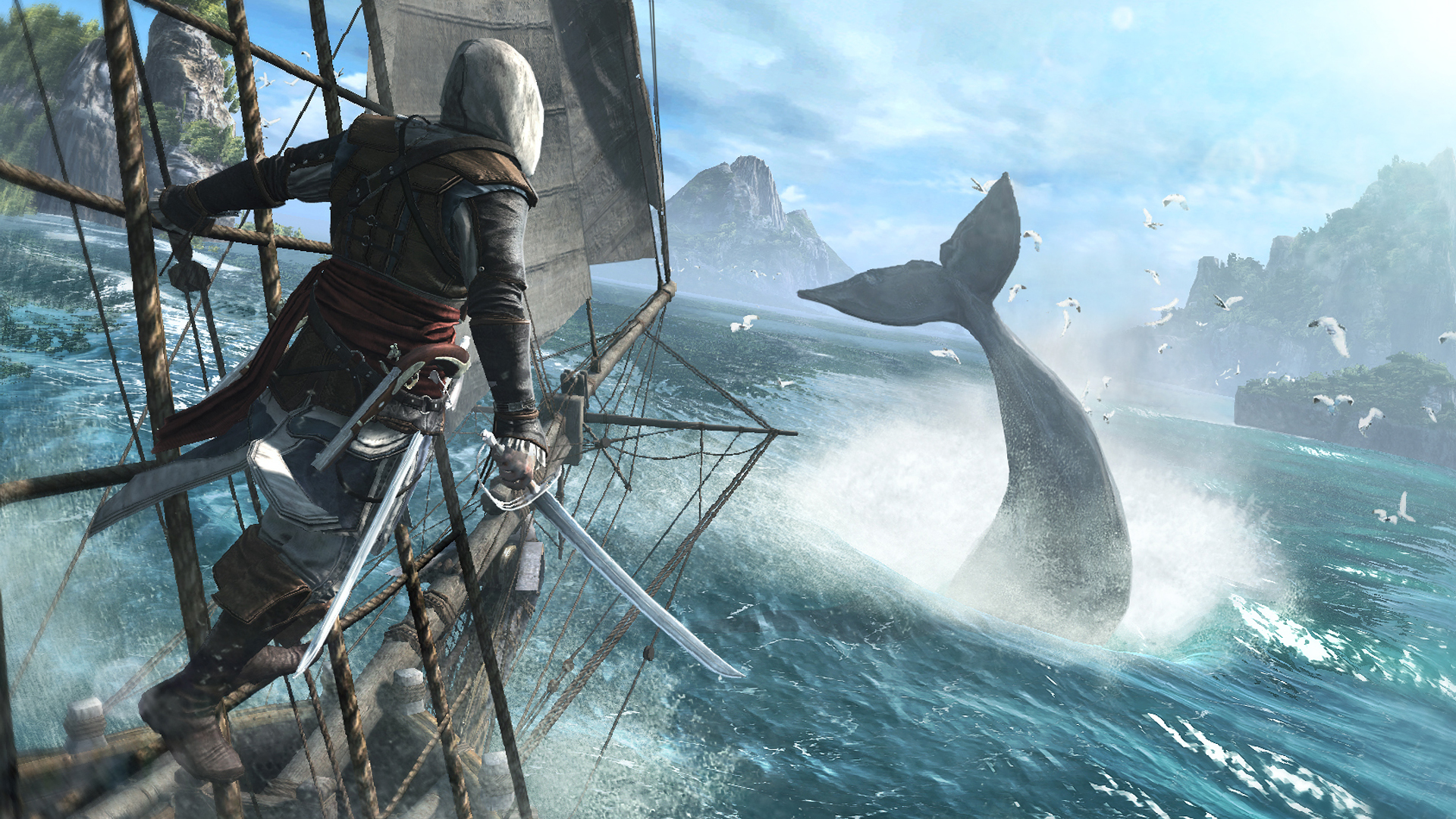
RT water is the visual showstopper but costs 25-40% performance. If struggling, drop RT Water from High to Medium first. Medium RT water still looks excellent. RT reflections and GI are less visually impactful and can go Low or off for big gains.
DLSS / FSR / XeSS
All three upscalers supported. Use them. Quality/Balanced mode gives near-native image quality with 30-60% framerate gains. Performance mode works for 1440p (not recommended for 1080p). Frame generation (DLSS 4 / FSR 4) available on RTX 50-series and newer.
Water Simulation Quality
Wave physics complexity. High makes storms look incredible; Medium saves significant GPU and is nearly indistinguishable for most players.
Draw Distance / Foliage Density
Surprisingly expensive at Ultra. Drop Foliage Density from Ultra to High for 5-10% boost with minimal visual loss.
Volumetric Clouds / Fog
Beautiful but costly. Low/Medium is fine for gameplay; only crank to Ultra for screenshots.
Known Launch Issues (July 2026)
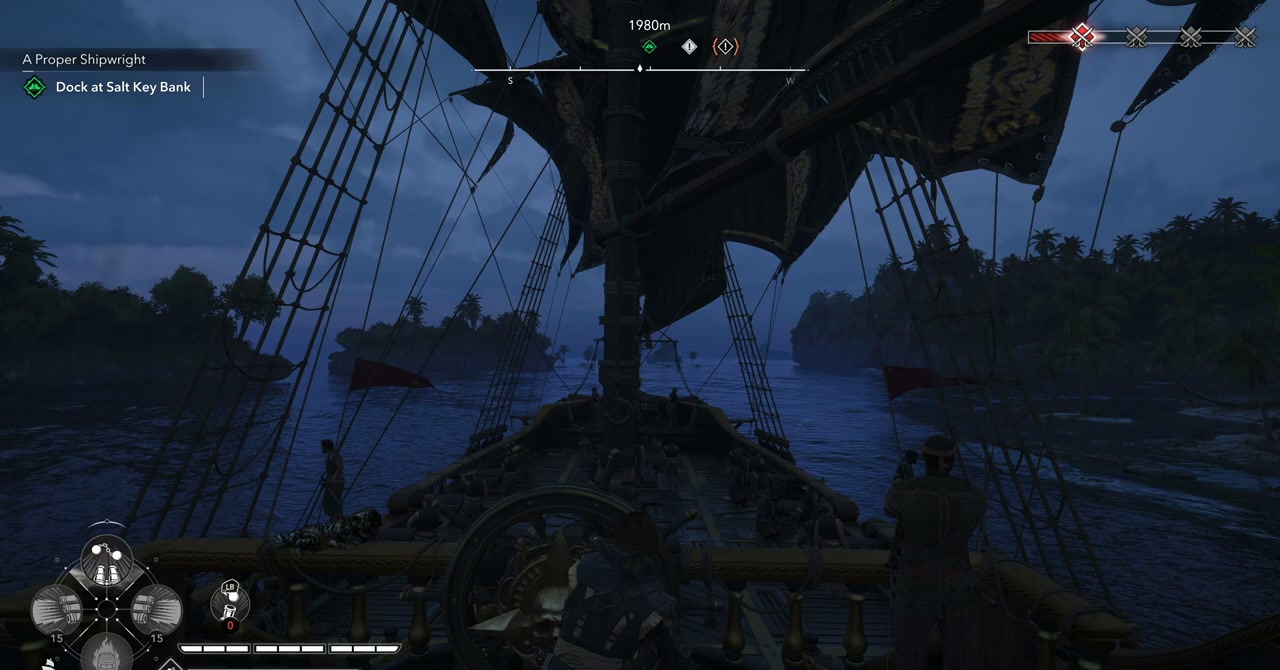
- Stuttering during large naval battles (many ships + cannon fire + RT water). Disabling RT GI helps.
- VRAM spikes above 10GB at 4K Ultra + RT. 8GB cards stick to 1440p or 1080p with RT Medium.
- Controller prompts show Xbox icons on PlayStation controllers (fixed in day-one patch).
- Cutscene frame pacing on some AMD GPU configs — update to latest drivers.